AI Creative Tools
Designing AI creative tools that sketch with you, critique on your terms, and stop short of finishing, so the thinking stays human even when the help isn't.
Team Members
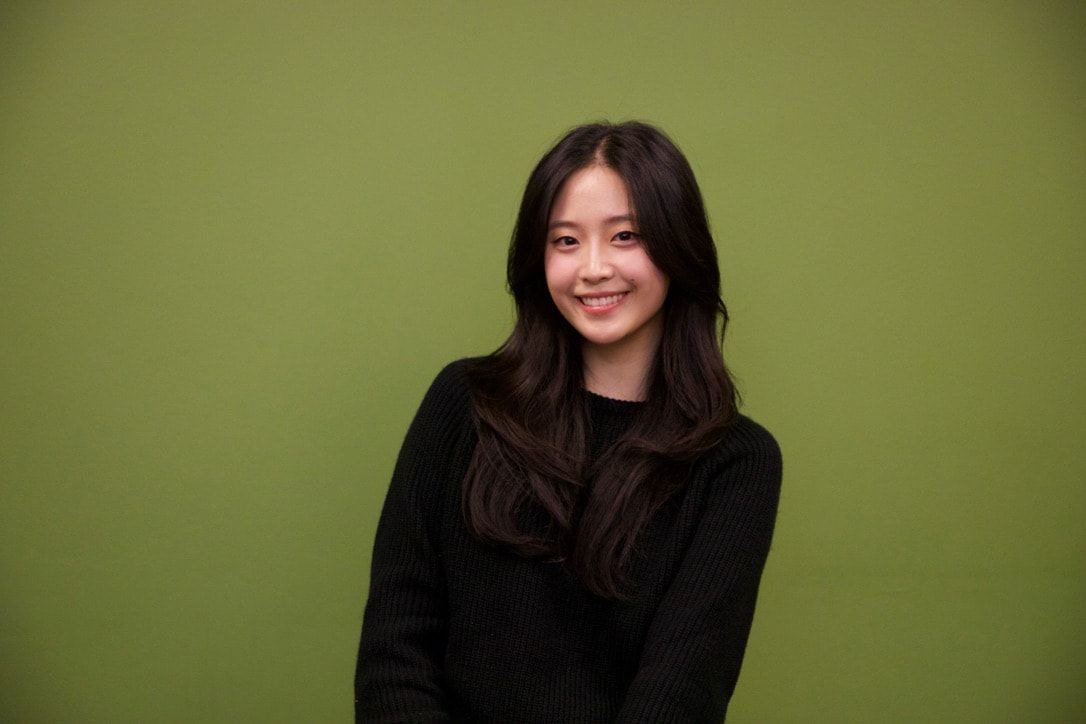

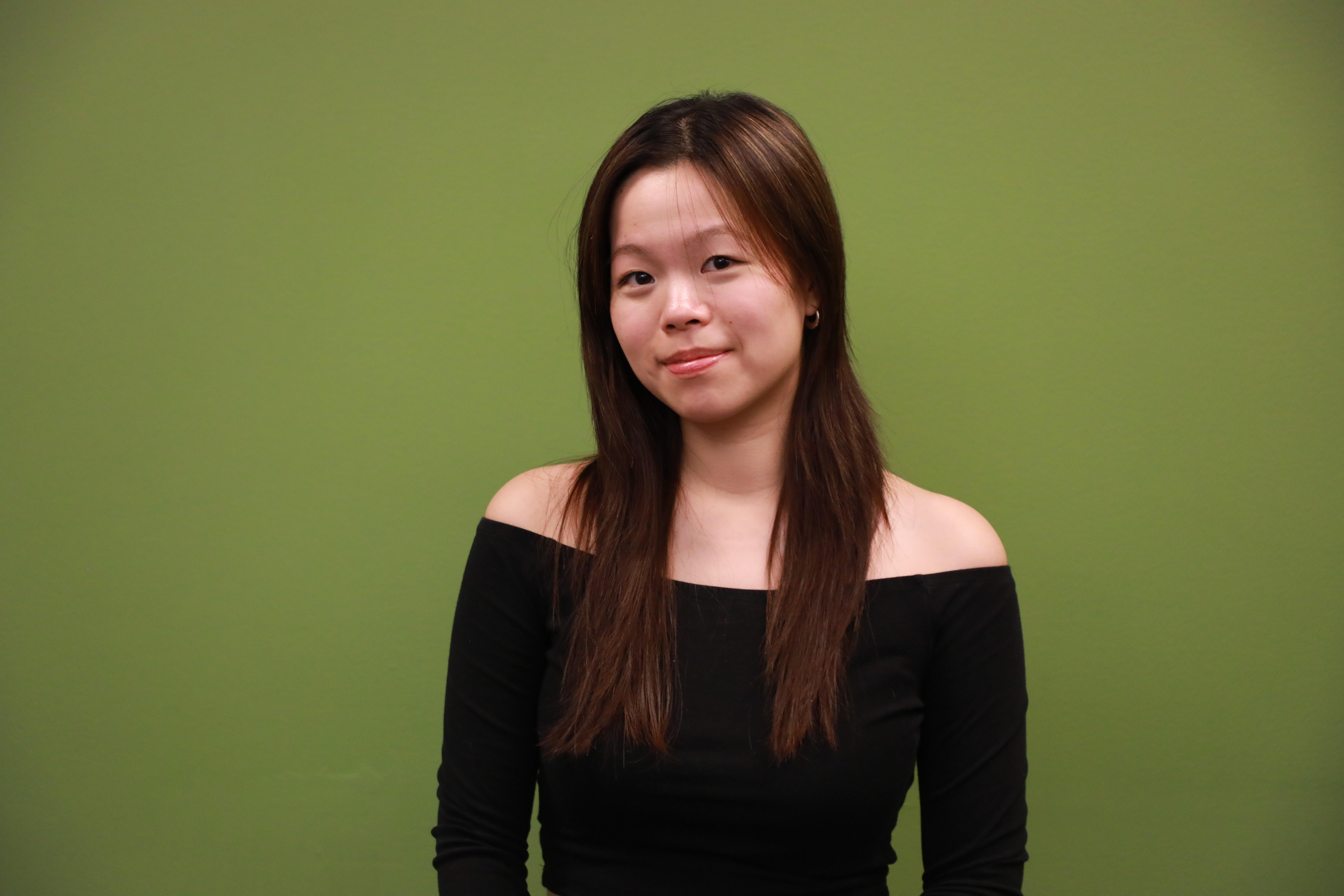
Sarah Koh

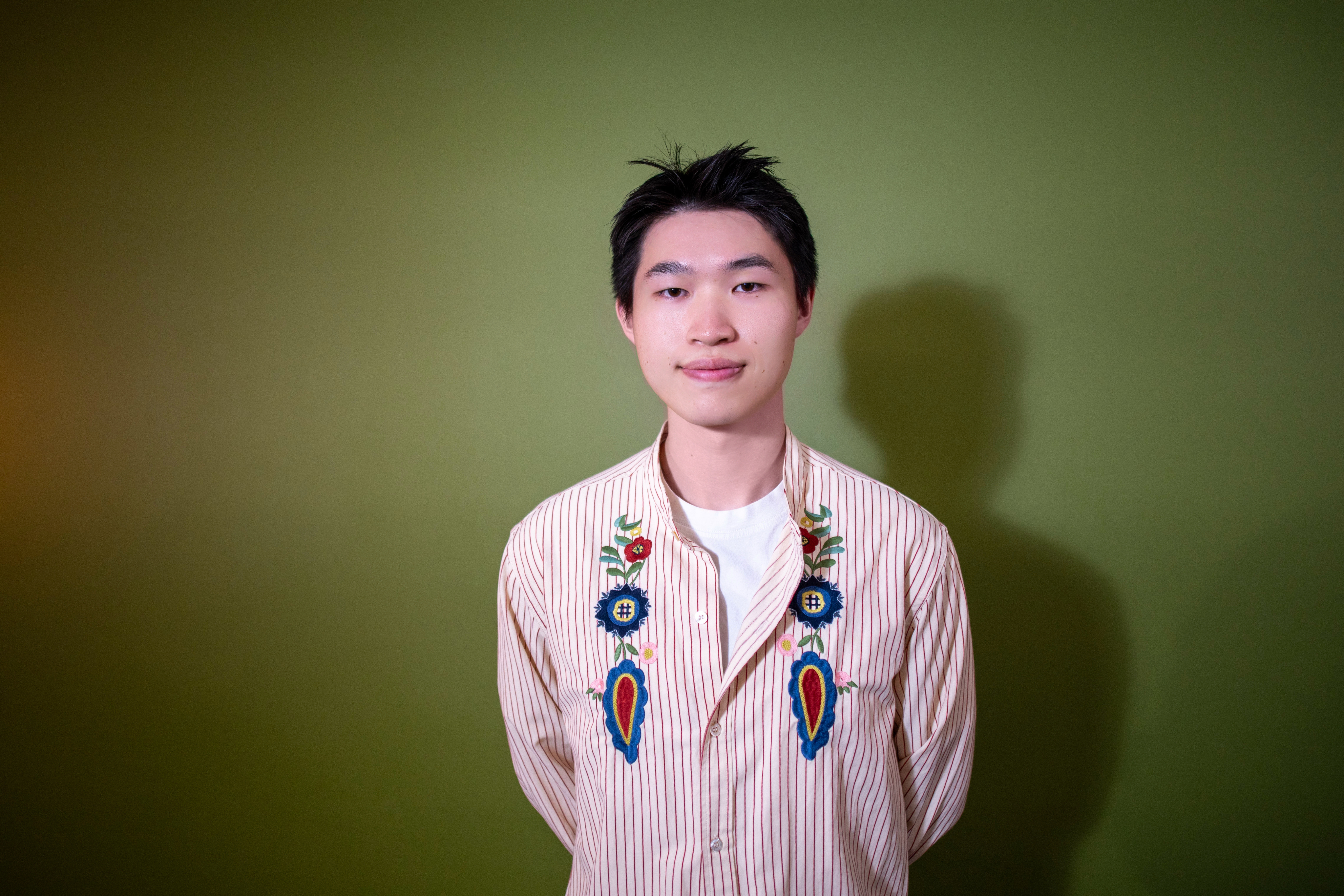
Will Pan
Muse Canvas: Rough Draft AI

1
Critter: AI Design Consultant for Figma

2

1
Muse Canvas: Rough Draft AI
by Will
The Problem: AI Tools Are Too Good
Current AI design tools optimize for polish: complete outputs, resolved visuals, ready-to-ship artifacts
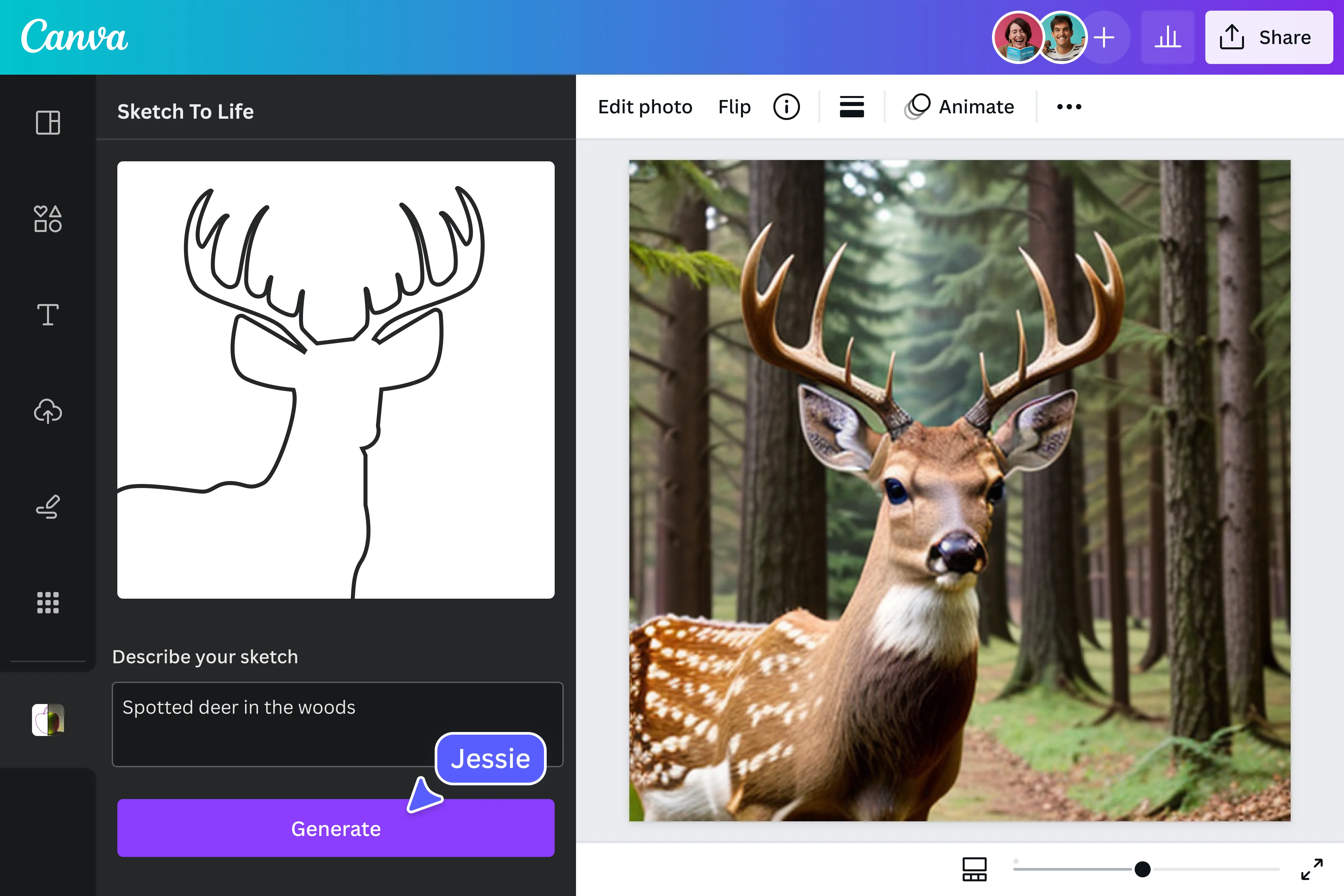
You sketch a deer, and Canva's "Sketch to Life" hands you back a photorealistic render. Done. Ship it.
But that's exactly the problem. The most valuable part of the creative process, the interpretation, the ambiguity, the "what if" gets skipped entirely. The gap between "what I imagined" and "what got made" closes before you ever got to think.
When AI produces a complete, resolved artifact, there's nothing left for you to wrestle with. No rough edges to reconsider. No happy accidents. The tool made the creative decisions for you.
The Concept:
A Sketching Partner, Not a Generator
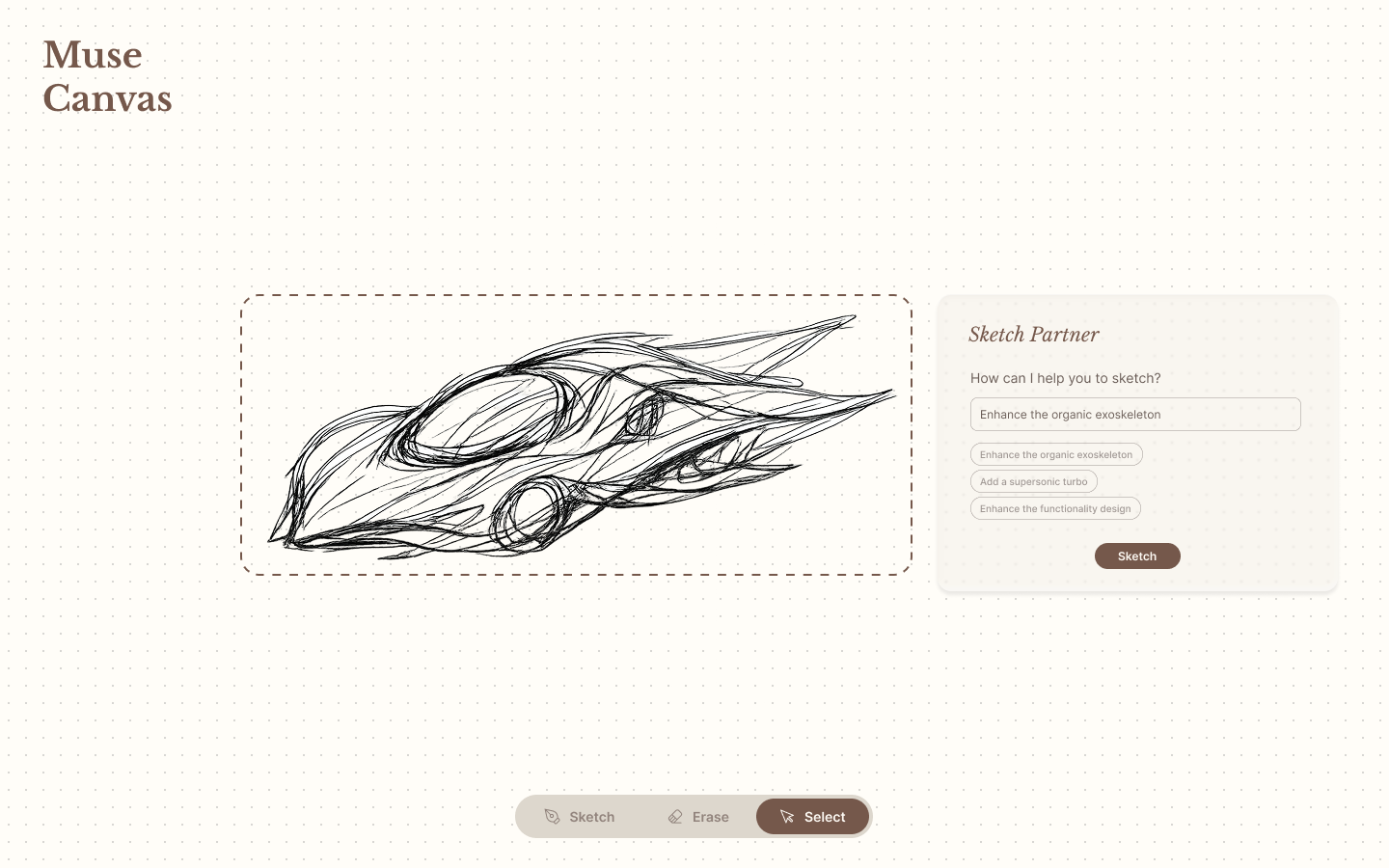
Rough Draft AI flips this dynamic. Instead of generating finished outputs, it deliberately produces unfinished work, with rough concepts, half-formed ideas, and visual starting points that need you to complete them.

Explore first, commit later
Before you draw anything, you and the AI brainstorm directions together. The AI suggests combining it with architecture, mythology, or mechanical forms, not as finished concepts, but as loose provocations. You pick a direction that resonates and start from a rough reference, not a blank canvas.

Sketch together, not for you
When you want AI assistance mid-sketch, you select a region and describe where you want to take it. The AI responds by building on top of your lines, inheriting your style and roughness, not replacing it with polish. It feels like a collaborator matching your energy, not an overachiever cleaning up after you.
How the Flow Works
STEP1
Ideation
You tell the AI what you want to sketch. It brainstorms unexpected directions by cross-pollinating with other disciplines and subjects.
STEP2
Direction
You pick a direction. The AI maps a rough reference onto the canvas, crude enough to leave room for your interpretation.
STEP 3
Collaboration
When you want help, you select part of your sketch and prompt a direction. The AI iterates on your work, in your style, at your level of resolution.
STEP 4
Escalation
You can tell the AI to "finish" something, but it's a deliberate, separate step. And before it does, it asks: "Are you done thinking about this, or do you want to keep working on it?"
Demo
See it in action
Prototype
Why It Matters
Most AI creative tools treat roughness as a problem to solve. Rough Draft AI treats it as the point. The sketch isn't a waypoint to a final render, but it is the thinking. And thinking needs room to stay messy.
2
Critter: AI Design Consultant for Figma
by Sarah
The Concept
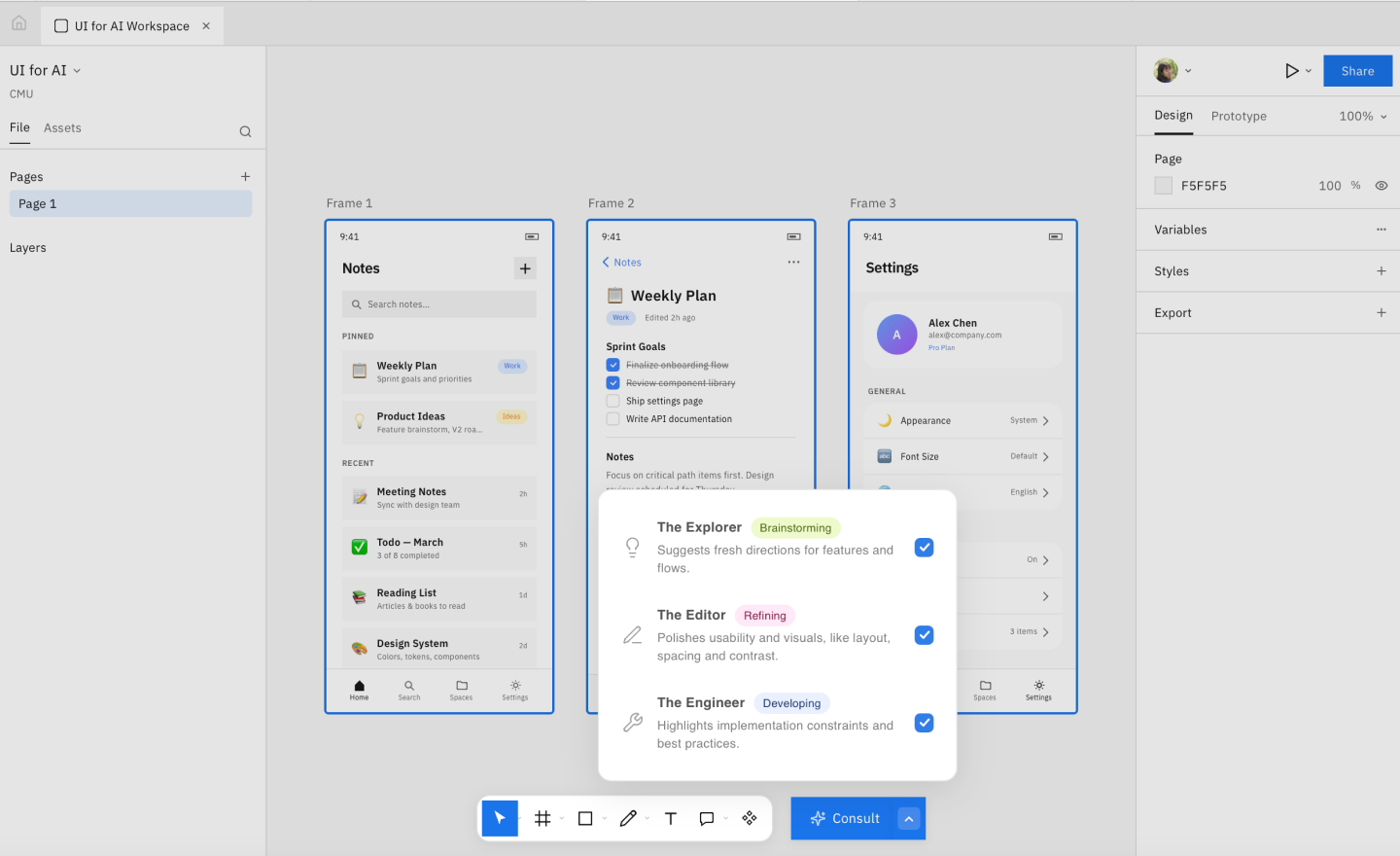
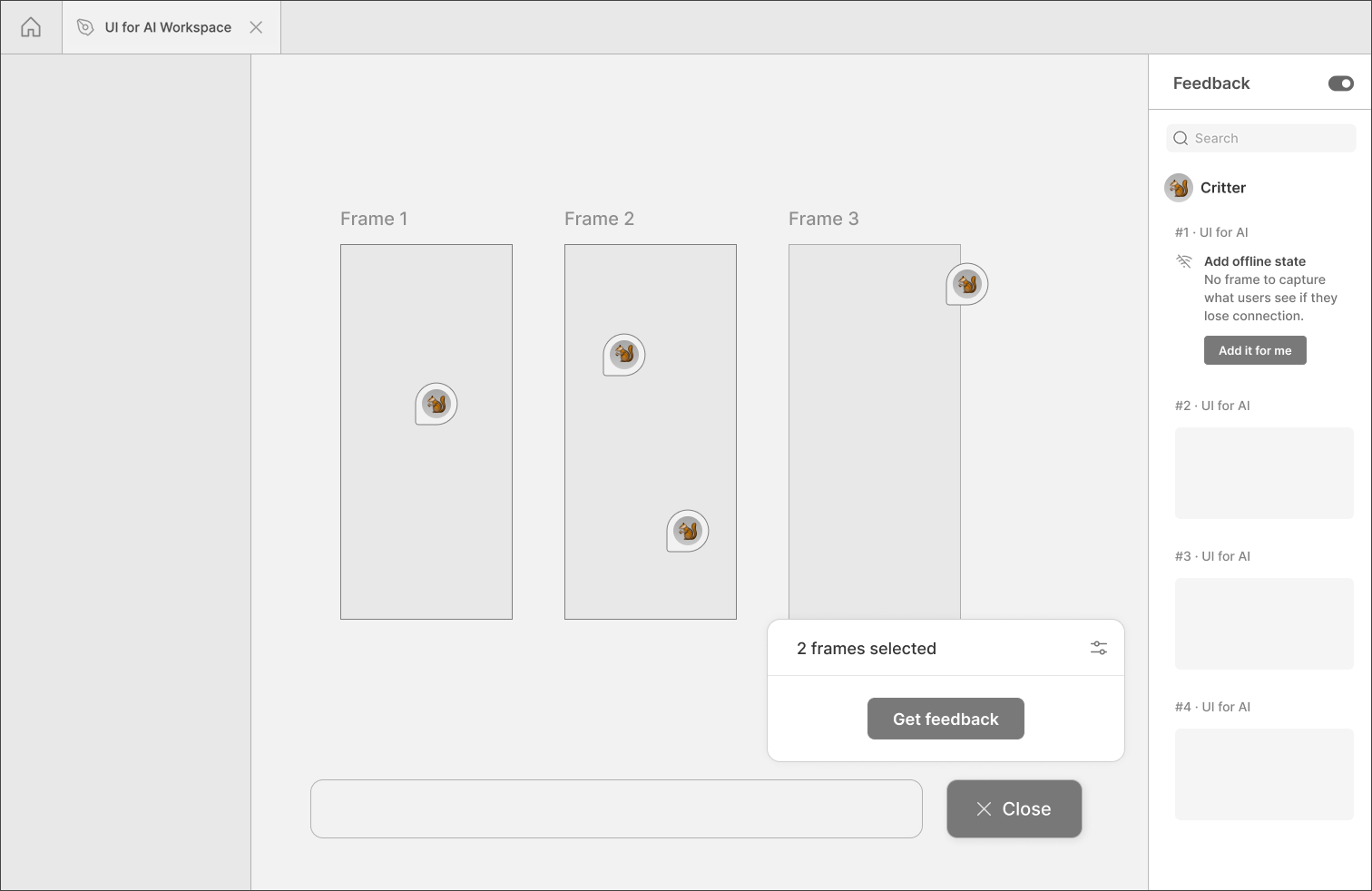
Critter is an AI feedback feature for product designers. It works like a design consultant and offers feedback directly in the workspace.
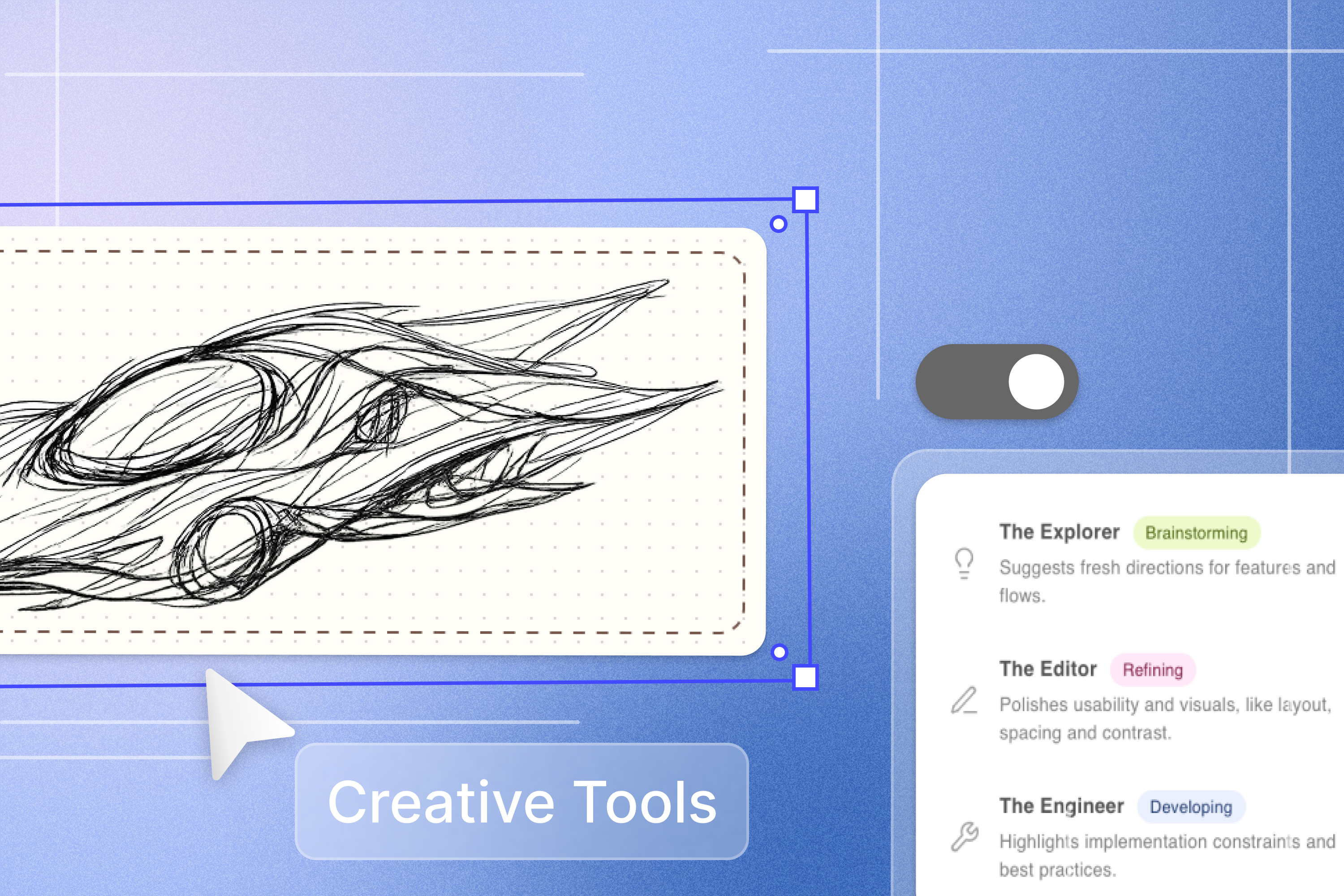
Instead of giving the same kind of advice every time, Critter lets you choose from three archetypes: the Explorer, the Editor, and the Engineer. Each one focuses on a different kind of feedback, so designers can get help that matches what they need at the moment.
Three Ways to Review Work

The Explorer
helps you think broadly. It suggests fresh directions, points out opportunities, and supports early-stage ideation when the work still feels open.

The Editor
looks at clarity and polish. It focuses on layout, spacing, contrast, and visual balance, which makes it useful when a design needs refinement.

The Engineer
checks for feasibility and structure. It highlights implementation concerns and best practices, which helps designers spot issues before they become harder to fix.
Demo
See it in action
Prototype

AI Creative Tools
Designing AI creative tools that sketch with you, critique on your terms, and stop short of finishing, so the thinking stays human even when the help isn't.
Team Members
Sarah Koh
Will Pan
Muse Canvas: Rough Draft AI

1
Critter: AI Design Consultant for Figma

2
1
Muse Canvas: Rough Draft AI
by Will
The Problem: AI Tools Are Too Good
Current AI design tools optimize for polish: complete outputs, resolved visuals, ready-to-ship artifacts
You sketch a deer, and Canva's "Sketch to Life" hands you back a photorealistic render. Done. Ship it.
But that's exactly the problem. The most valuable part of the creative process, the interpretation, the ambiguity, the "what if" gets skipped entirely. The gap between "what I imagined" and "what got made" closes before you ever got to think.
When AI produces a complete, resolved artifact, there's nothing left for you to wrestle with. No rough edges to reconsider. No happy accidents. The tool made the creative decisions for you.
The Concept: A Sketching Partner, Not a Generator
Rough Draft AI flips this dynamic. Instead of generating finished outputs, it deliberately produces unfinished work, with rough concepts, half-formed ideas, and visual starting points that need you to complete them.
Two core principles guide the design:
Explore first, commit later
Before you draw anything, you and the AI brainstorm directions together. Want to sketch a deer? The AI might suggest combining it with architecture, mythology, or mechanical forms, not as finished concepts, but as loose provocations. You pick a direction and start from a rough reference.
Sketch together, not for you
Before you draw anything, you and the AI brainstorm directions together. Want to sketch a deer? The AI might suggest combining it with architecture, mythology, or mechanical forms, not as finished concepts, but as loose provocations. You pick a direction and start from a rough reference.
How the Flow Works
STEP 1
Ideation
You tell the AI what you want to sketch. It brainstorms unexpected directions by cross-pollinating with other disciplines and subjects.
STEP 2
Direction
You pick a direction. The AI maps a rough reference onto the canvas, crude enough to leave room for your interpretation.
STEP 3
Collaboration
When you want help, you select part of your sketch and prompt a direction. The AI iterates on your work, in your style, at your level of resolution.
STEP 4
Escalation
You can tell the AI to "finish" something, but it's a deliberate, separate step. And before it does, it asks: "Are you done thinking about this, or do you want to keep working on it?"
Demo
See it in action
Prototype
Why It Matters
Most AI creative tools treat roughness as a problem to solve. Rough Draft AI treats it as the point. The sketch isn't a waypoint to a final render, but it is the thinking. And thinking needs room to stay messy.
2
Critter: AI Design Consultant for Figma
by Sarah
The Concept
Critter is an AI feedback feature for product designers. It works like a design consultant and offers feedback directly in the workspace.
Instead of giving the same kind of advice every time, Critter lets you choose from three archetypes: the Explorer, the Editor, and the Engineer. Each one focuses on a different kind of feedback, so designers can get help that matches what they need at the moment.
Three Ways to Review Work
The Explorer
helps you think broadly. It suggests fresh directions, points out opportunities, and supports early-stage ideation when the work still feels open.
The Editor
looks at clarity and polish. It focuses on layout, spacing, contrast, and visual balance, which makes it useful when a design needs refinement.
The Engineer
checks for feasibility and structure. It highlights implementation concerns and best practices, which helps designers spot issues before they become harder to fix.
Why It Matters
Critter starts with user input so the feedback has context from the beginning. That matters because the designer's ideas should shape the output, not disappear inside it. The goal is to make it easier to bring more of your thinking into the process early, so the final result stays closer to what you imagined.
I designed Critter to support human work in a way that feels useful and approachable. It should feel like a conversation, not a correction. By giving designers control over the type and timing of feedback, it becomes easier to stay in flow while still getting thoughtful input when it counts.
Demo
See it in action
Prototype